Today I have brought for you a series of Photoshop tutorials which will help you in giving right depth and thickness to your images to turn them into 3D style.
I found a bounty of Photoshop tutorials on the subject and found that most of them were quite useful but most of the times the tools were not ordered in a logical sequence. I have tried humbly to give some logic to this through this post.
Creating a coffee mug with hot coffee

Create an Amazing Photo Strip in Photoshop

How to Create a Detailed Audio Player in Photoshop

Render a Cereal Box Cover from Scratch Using Photoshop’s 3D Tools

Create iPhone from scratch
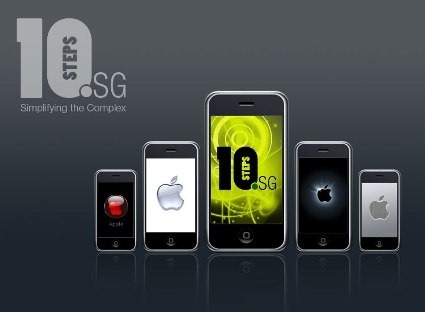
Create a Robotic 3D Spider
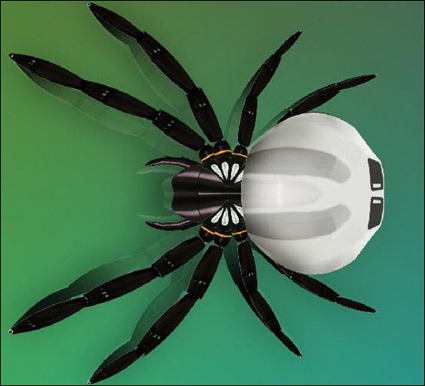
Creating an abstract 3d design
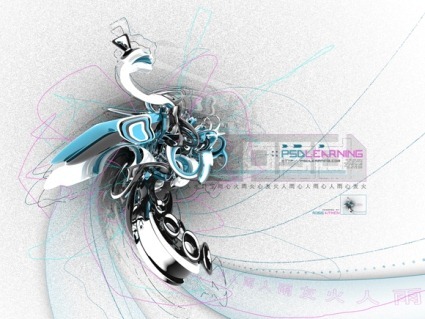
Create a Great 3D Mobile Phone using Photoshop

Designing a Portable Gaming Device Poster

Create a Glowing Globe Icon in Photoshop

Design a professional laptop advert

Create a Bas Relief Effect With Photoshop’s 3D Tools
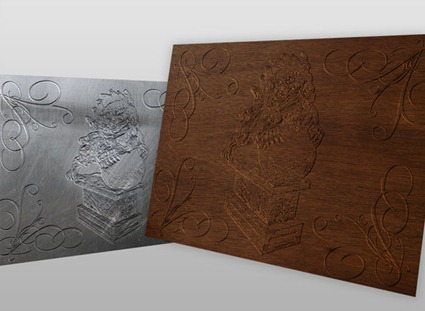
Enhance Your Ad Designs with 3D Splashes

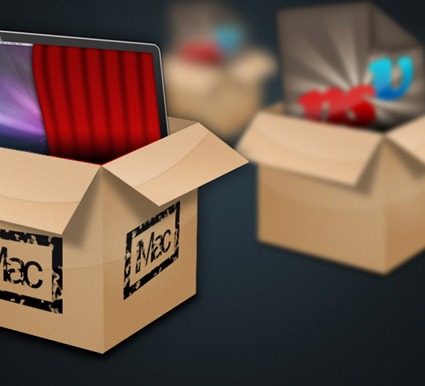
Create a Shiny 3D Box
Slow motion bullet shot effect

The Making of Lost

Design a 3D Smart Car using Photoshop

Creating a Stunning Old-World Look in Photoshop

How to make a planet in Adobe Photoshop

Peeling a hand in Photoshop